For shop owners
How a listing gets your shop found
You have heard you "need SEO". Here is what that actually means for a motorcycle shop, which parts of it we handle, which parts only you can, and how to do your part in about half an hour.
The problem, in one page
A rider needs a shop. Their chain is shot, their bike will not start, or they just moved to town. They do one of three things: type something into Google, open an app they already use, or ask a friend.
If you have no website and a Google listing you set up once and never touched, you are invisible in the first two. The friend might still send them your way. That is the whole problem.
Here is what the rider sees when they search. At the top of the page there is usually a box with a map and three businesses under it, each with a star rating, hours, and a phone button. Below that box are the ordinary blue links: websites, directories, forum threads. Most people never scroll past the box. Getting into it is not something anyone can sell you, and we will come back to that.
The two things that actually get you found
There are exactly two, and we are only one of them. Anyone who tells you otherwise is selling something.
1. Your Google Business Profile. That is the free listing Google keeps for your shop: the one with your hours, your phone number, and your reviews. It is yours, it costs nothing, and it is the only thing that decides whether you appear in that map box. Not a website, not a directory, not us. Nobody outside Google controls it, and you are the only person who can fix it. We walk you through fixing it below.
2. Being listed accurately where riders already look. That is this site and the app, plus a handful of others. When a rider is planning a route, or stuck on the shoulder, or asks "who works on old Hondas around here", a correct listing in the place they are already looking is what turns that moment into a phone call. This is the part we do.
What you get from us, concretely
Your shop is probably already listed. We research every business in a region from its own website, one at a time, and list it for free with name, address, phone, and website. That listing shows up on this site and on the map inside the app. You did nothing and you are already findable here. The tiers add control on top of that.
Claimed, free. Prove the shop is yours and the listing gets a Verified badge that stays. You get Scrambler, a dashboard where you and your staff sign in, you can mark your shop as a ride destination, and you can see how many riders have asked you to host a Ride-In.
Basic, $9 a month. Your page on this site shows your own description, your hours, your phone, your website, and up to five photos, all edited by you from the dashboard. If you do not have a website, this is a working web presence with nothing to build and nothing to maintain. You also see how many people looked at it each month, in the dashboard and in an email.
Pro, $19 a month. Everything in Basic, plus the things that bring riders to your door. You host as many Ride-Ins as you like, with "Hosted by" and your name on the event and on your page. Riders who want to hear from you can hand you their email, and you can export that list. You see views, interest, and leads for every Ride-In, your listing sits ahead of unclaimed ones in your region and category, and you get unlimited photos, a gallery, and an announcement line. See the full comparison.
Claim during our launch window and your first 3 months of Basic or Pro are free.
How riders find you through the app
The app is a different way of being found, and it does not compete with search on search's terms.
- Route planning. A rider plotting a Saturday loop browses the regional map. They are not searching for a shop. They are planning, and your shop is on the map along the way. That is demand that never touches a search box.
- Roadside. A rider whose bike will not start needs a tow now, from someone who actually carries motorcycles. The app's tow list is filtered for exactly that. A general search cannot be.
- Ride-Ins. A Ride-In is riders physically at your shop, in a window you chose. That is foot traffic, not clicks, and it is the strongest thing we offer.
- Being a destination. A shop marked as a ride destination is inside someone's plan for the weekend. That is a different relationship from being result number seven.
- Who they are. Everyone in the app owns a motorcycle. A shop buying general local ads pays for everyone in town. Here you only ever reach riders.
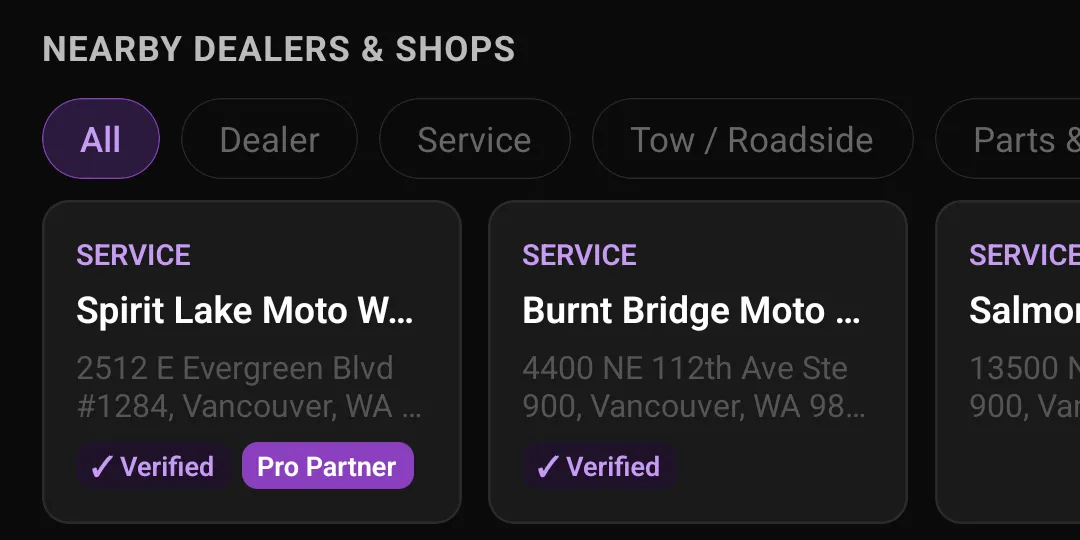
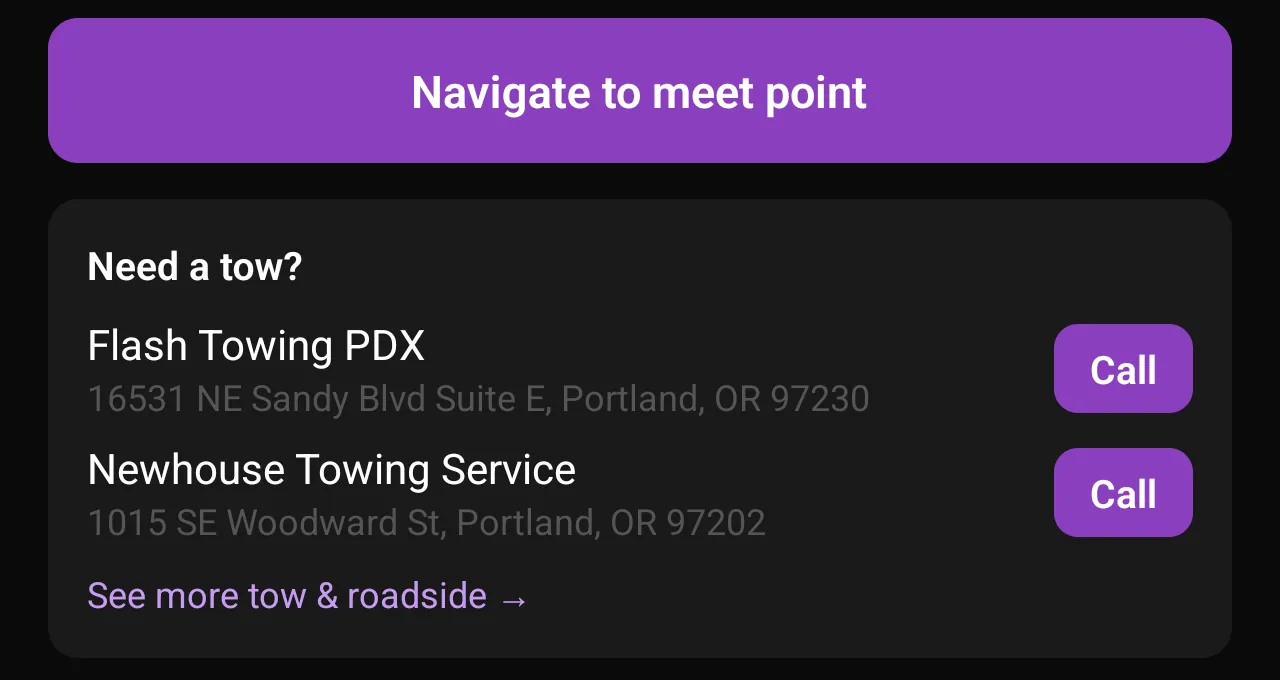
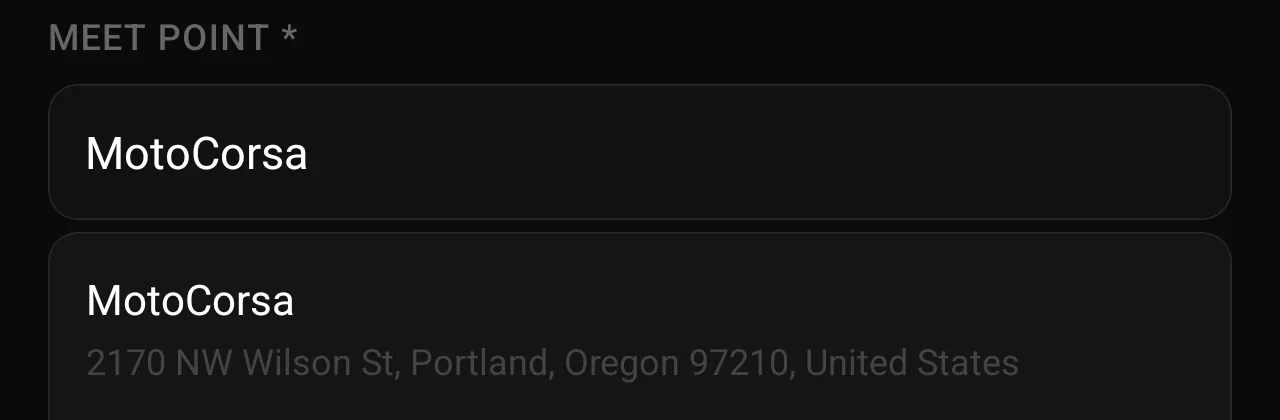
One honest limit: none of this changes your Google ranking. It is a parallel channel, not a lever on search. The one indirect connection is real but modest. A rider who finds you here and later searches your shop by name is a "branded search", and Google does treat those as a sign that a business matters. That is all we will claim.
What we can't do
Read this section before you pay us anything.
- We cannot put you at the top of Google. Nobody can promise that.
- We cannot control your Google listing. Only you can, and it is free.
- We cannot get you into the map box. That box is filled only from Google Business Profiles, so a directory listing, ours included, is not eligible for it.
- We cannot make people like your shop. Reviews come from the work you do.
What we can do is give you an accurate, findable page where riders already are, and help you get the free Google listing right. A shop that understands those limits does not cancel in month three feeling misled.
Your 30-minute Google setup
This is the most valuable part of this page. Open business.google.com, sign in as the owner, and go down the list.
- Pick the right primary category. This is the single biggest lever you have. The primary category carries more weight than the secondary ones, so a shop that both sells and services has to decide which it wants to be found for first. If service pays the bills, make the primary category the repair one. (Source: Sterling Sky's category testing.)
- Add secondary categories. You may have heard that extra categories "dilute" you. Testing says the opposite: adding relevant categories usually widens what you show up for. Add parts, dealer, repair, towing, whatever you genuinely do. (Same source as above.)
- Add your services from Google's own list. There is a Services section with a predefined menu. Most owners skip it. Picking the ones you offer has moved rankings for the matching searches within one to three days in Sterling Sky's tests. Use Google's predefined entries, not custom ones.
- Get your hours exactly right, holidays included. Whether you are open right now is one of the strongest signals there is. Set special hours for holidays before they arrive. If you tow 24/7, say 24/7.
- Ask for reviews, and never stop. Getting to ten reviews produces a visible bump, and after that steady flow matters more than the total. Rankings can drop off sharply after a few weeks with no new reviews, so a shop with 400 old reviews is more fragile than one with 60 and a trickle every month. (Source: Sterling Sky's review count testing.) The count matters to riders too: in BrightLocal's 2026 consumer survey, 47% of people said they will not use a business with fewer than 20 reviews.
- Reply to every review, individually. Not a template. In the same survey, half of people said generic copy-and-paste replies put them off. Two honest sentences beat a paragraph of boilerplate.
- Check the map pin is on your building. Open your listing in Maps and look. Pins drift, especially after a move or a suite change, and a wrong pin sends riders to the wrong door.
What to expect, and when
- Changes to your Google listing: days.
- Being found for your own shop name: fast, usually as soon as the listing is right.
- Being found for "motorcycle repair near me": months, if ever. It depends on how many competitors you have and how well they have done the list above. Nobody can promise a timeline for this.
- Your page here: shows your own hours, description, and photos as soon as your claim is approved and you have filled it in. Riders in the app see the listing immediately.
Where to start
Do the Google list first. It is free and it is yours. Then find your listing here and claim it, which is also free. Decide about Basic or Pro after you have seen the dashboard.